Mostly about building products, healthcare tech, and lessons learned along the way.
Loading articles
Ingesting HL7v2 with ❄️ Snowflake Part 1 | Clint Johnson
Ingesting HL7v2 with ❄️ Snowflake Part 1
Healthcare data at warehouse scale — if you can get it there
Snowflake is a cloud-based data warehouse that separates storage from compute, which makes it well-suited for healthcare analytics workloads that spike unpredictably. You're not paying for compute when queries aren't running, and you can scale up for heavy batch loads without touching your storage configuration.
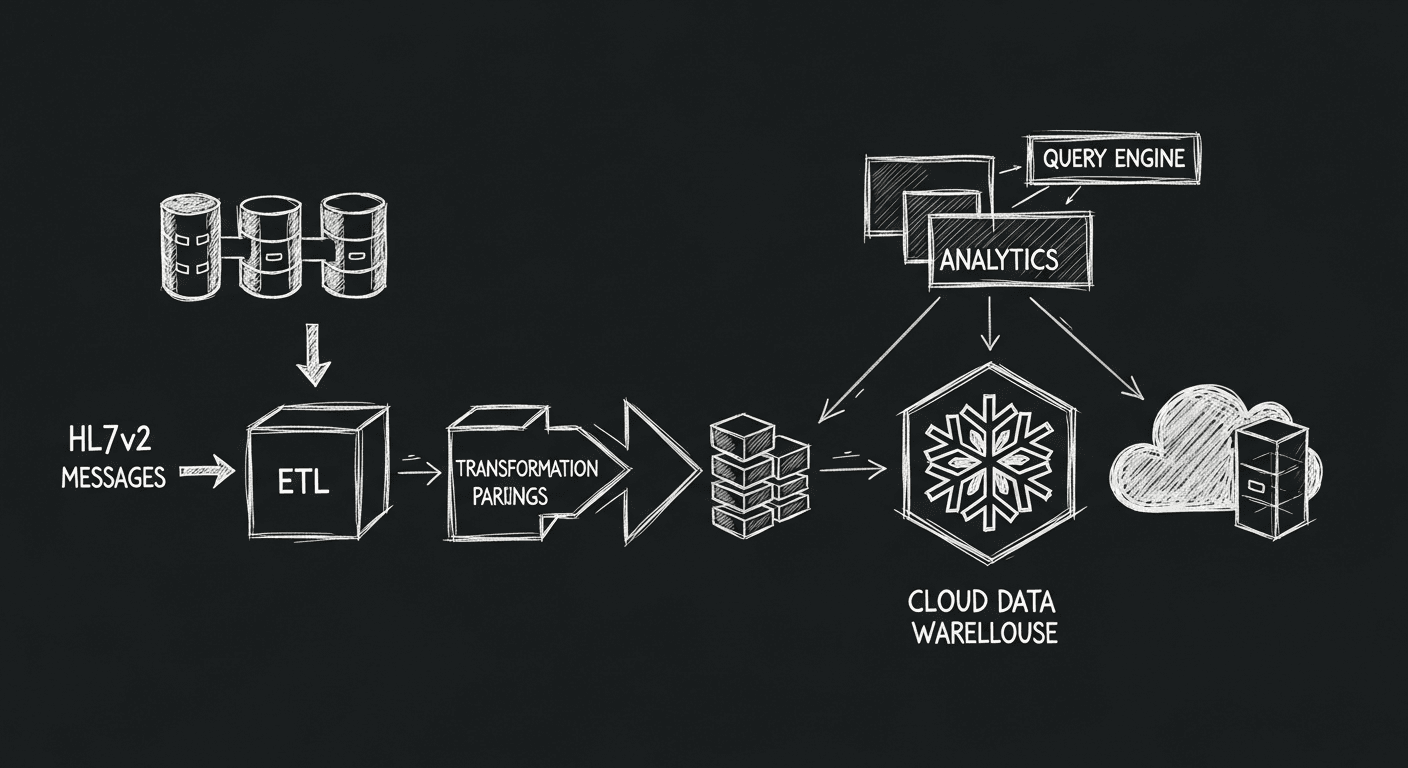
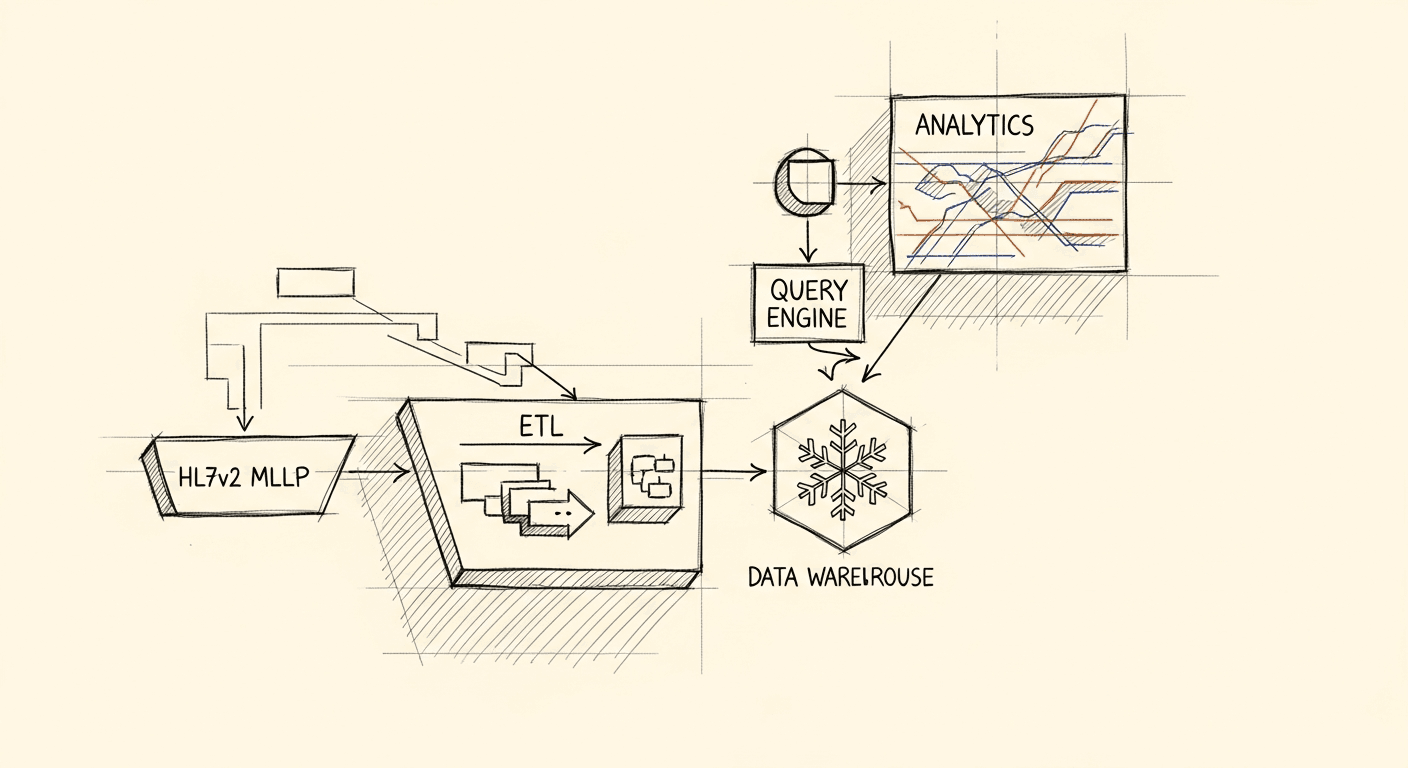
The question is how to actually get HL7v2 data in there. For this ETL workflow, the goal is to capture patients transitioning from outpatient to inpatient care (ADT A06 events), filter on a specific diagnosis code (DG1.3 = A41.9, Sepsis), and land those records in Snowflake for analysis. The end result is a queryable table of patients who were hospitalized with an infection that progressed to a complication.
Known Nuances
Infrastructure — HL7v2 most commonly runs over TCP/IP using MLLP. Many modern cloud workflows assume HTTPS, and tools like AWS Lambda functions require it. MLLP doesn't fit that model, which means you need an on-premise gateway or a dedicated network component to bridge the gap.
Security — MLLP has no built-in security. HL7v2 predates the internet as a serious networking concern. The standard approach is IPSec with IKEv2 at the network layer, which adds its own overhead and typically requires a dedicated stakeholder coordination track. I'll cover that in a follow-up.
Message Routing — HL7v2 messages vary in structure depending on the sending system. Without a clear model of both ends of the connection, it's easy to misroute messages or lose data in translation. Modern tools simplify this, but the variation between implementations means you'll still build custom routes and parsers for most real-world sources.
💊 Integration Engines
Mirth Connect, Cloverleaf, and Rhapsody are the established options here. They handle message transformation, routing, and monitoring, giving you a platform for managing HL7v2 without building all that logic from scratch.
💊 Cloud-Based Solutions
AWS, Google Cloud, and Azure all offer healthcare-specific services that handle HL7v2 with built-in security, scaling, and monitoring. They reduce infrastructure overhead but require their own configuration work, especially around networking.
I help teams ship AI in production — audits, consulting, custom agents, and eval systems. Start with an AI Audit (from $5k) for an honest read on what to build.
For this walkthrough, I'm using Retrohook to handle the HL7v2 bits and Tray.io for the last mile to Snowflake. Pick what fits your team's skills and infrastructure.
The right tool depends on what your team already knows:
The tool requires little to no technical knowledge to operate.
It handles the most difficult parts of HL7v2 reception and parsing.
You don't need the complexity of FHIR — a simple JSON webhook is enough.
Setting up Retrohook HL7v2 tooling
Retrohook transmits HL7v2 data over a REST API and handles the MLLP reception and security layers for you. If you already have messages hitting your cloud infrastructure, skip this section. Otherwise, start here.
The tool's main selling point is that it doesn't require deep HL7v2 expertise to operate. The downside is that it's a beta product with limited capabilities. After logging in (or signing up), create a fresh workspace for this workflow — or use the default.
Create a new workspace
Create a new Environment and connect to your AWS account
This sets up a new environment and secure connection. Give the environment a name and provide credentials for a user with CloudFormation access. Once created, you can manage the version and deploy updates as they become available.
🚀 Deploy the 3 modules into your AWS account
The modules deploy into your default VPC using the region you specify. If you have a specific VPC in mind, set it in the advanced settings. The modules are kept separate to make resource management cleaner.
Think of the infrastructure as a phone booth: it takes your HL7v2 messages from the hospital network and delivers them to your cloud infrastructure.
A few environment types are available depending on your workspace billing level. The development environment doesn't require network security and doesn't support PHI. The production environment requires network security and supports PHI.
Configuring security
Retrohook's security configuration is straightforward. Provide the IP addresses of your HL7v2 MLLP server, and the tool generates a connection agent that installs a site-to-site IPSec/IKEv2 tunnel to your environment.
Generating a new tunnel
Create a new tunnel agent by providing the private ip and public ip addresses for your message server, giving it a name, and clicking generate. The deployment takes about 4-5 minutes and sets up a secure site-to-site tunnel for MLLP over IPSec with IKEv2.
Connecting to the tunnel
For quick setup, run the provided quick connect script on the system you're configuring:
sudosh quick-connect.sh
...
# backups any existing settings and add new connection settings for Retrohook Making a backup of current ipsec.conf - ipsec.conf.bak
Creating new ipsec.conf to connect to Retrohook VPN
Making a backup of current ipsec.conf - ipsec.conf.bak
Created new ipsec.conf to connect to Retrohook VPN, now creating new ipsec.secrets
Created new ipsec.secrets to connect to Retrohook VPN, now restarting ipsec
Redirecting to: systemctl restart ipsec.service
...
000 algorithm IKE DH Key Exchange: name=DH24, bits=2048 000 "RetrohookPrimaryTunnel":192.168.2.151<192.168.2.151>[44.193.173.135]...52.86.74.145<52.86.74.145>===172.31.0.0/16; erouted; eroute owner: #2...
000 "RetrohookSecondaryTunnel": IKE algorithms: AES_CBC_128-HMAC_SHA1-MODP1024
000 "RetrohookSecondaryTunnel": ESP algorithms: AES_CBC_128-HMAC_SHA1_96-MODP2048
000 Total IPsec connections: loaded 2, active 1 000 State Information: DDoS cookies not required, Accepting new IKE connections
000 IKE SAs: total(1), half-open(0), open(0), authenticated(1), anonymous(0) 000 IPsec SAs: total(1), authenticated(1), anonymous(0) 000
000 1: "RetrohookPrimaryTunnel":4500 STATE_PARENT_I3 (PARENT SA established); EVENT_SA_REPLACE in 9979s; newest ISAKMP; idle; import:admin initiate
000 2: "RetrohookPrimaryTunnel":4500 STATE_V2_IPSEC_I (IPsec SA established); EVENT_SA_REPLACE in 9769s; newest IPSEC; eroute owner; isakmp#1; idle; import:admin initiate
🛡️ Now we have connected our messaging infrastructure with a site-to-site vpn and have backup tunnel ready for failover! 🎉
Creating A Workflow
Workflows are where the business logic lives in Retrohook, and in most other integration tools. The workflow defines what messages to capture, how to filter them, and where to send them. Each workflow runs on the tunnel configured in the previous step.
Workflows connect HL7 messages from your EHR to modern endpoints like webhooks.
High level configuration
a. Event Adapter should be set to MLLP
b. Let's use the Webhook Action Adapter
c. Providing a sample message allows us to define our next steps
Message Routing/Filtering
Message event filtering happens when we define the capture formula
a. We define the parameters to match on, let's select a few key parameters to filter unnecessary messages out.
b. We can leverage the wildcards ? for a single character wildcard and * for a multi character wildcard.
Note: If you don't see the fields you are after make sure the All toggle is set, I toggled to Selected after setting my matches.
Message Field Mapping
We perform a similar operation for setting the field mapping of our workflow. Let's map out some basic demographics.
When we map, we are providing the payload key, the Actions tab provides a live example.
Use the cog icon to can configure custom transformations or lookups for each field (optional).
The system handles the |,^, &, and repeating segments using arrays, and arrays of objects to ensure the integrity of the message is maintained.
The system provides a sample in the Actions tab:
Any message that hits our Entry point and matches our trigger will trigger a HTTP Post Webhook with a payload similar to our sample:
{"MSH":{"hl7MessageType":"ADT","hl7EventType":"A04","messageDateTime":"20230426133527","sendingFacility":"ACME HOSPITAL","environmentFlag":"T"},"PID":{"patientAddressType":"L","patientState":"TN","patientCity":"NASHVILLE","patientCountry":"US","patientZIP":"37205","patientStreetLine2":"APT 3507","patientStreetLine1":"83 COLUMBIA AVE","PID.13":[{"patientPhoneAreaCode":"706","patientTelecomType":"P","patientPhone":"5558907","patientTelecomEquipmentType":"Mobile"},{"patientTelecomType":"E","patientEmailAddress":"ADUNN@EXAMPLE.COM"}],"patientMaritalStatus":"M","patientSsn":"000-00-0384","PID.5":[{"patientNameType":"L","patientLastName":"DUNN","patientFirstName":"ANTONIA"},{"patientNameType":"P","patientLastName":"DUNN","patientFirstName":"TONI"}],"patientDeceasedFlag":"false","patientRace":"BLACK","PID.3":[{"identifier":"4029","identifierAssigningAuthority":"EHR","identifierType":"DATABASE"},{"identifier":"203716","identifierAssigningAuthority":"HL7EHR","identifierType":"MRN"}],"patientPrimaryLanguage":"EN-US","patientMothersMaidenName":"HARRIS","patientSex":"F","patientDob":"19720210"},"EVN":{"test":["ADMINISTRATOR","SYSTEM"],"eventCode":"A04","eventDateTime":"20230426133527"}}
🎉 Now we have our HL7v2 messages being securely transmitted over a HTTPS Webhook using JSON.
Stay tuned: Part 2 will cover the Tray.io portion of the workflow, where we will take the JSON payload and add it to Snowflake.